


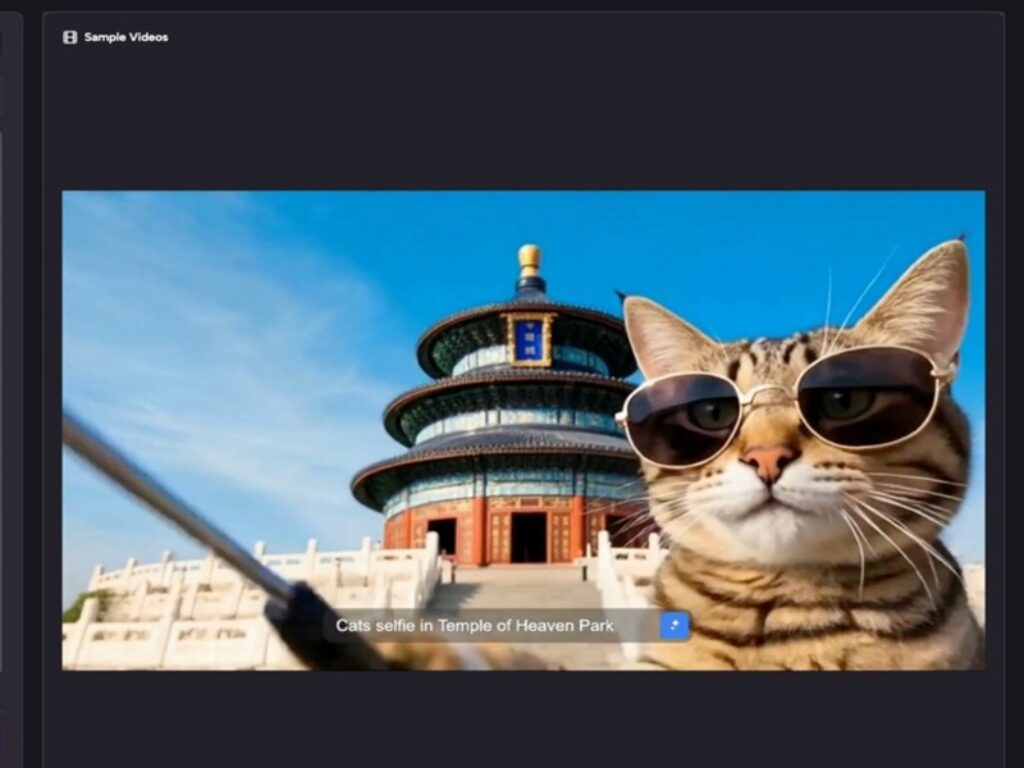
Most people arrive at an image to video AI tool with a fairly specific mental image of what they want. A product photo that slowly zooms. A portrait that breathes. A still scene that somehow becomes a moment. The expectation is usually reasonable. What’s less predictable is how quickly the gap between that expectation and the actual output becomes the most instructive part of the whole experience.
That gap isn’t a failure. It’s the learning curve, and it’s worth understanding before you invest too much time optimizing for results you may not be able to control yet.
The First Session Rarely Goes the Way You Planned
When someone first tries a photo to video workflow — whether through a dedicated tool like Photo to Video AI or any comparable platform — the initial instinct is to upload the best image they have. The clearest, most composed, most finished-looking photo. And then they wait to see what the AI does with it.
What tends to happen is this: the output is technically impressive and creatively unpredictable in equal measure. The motion might be fluid but slightly wrong. The subject might shift in a way that feels almost right. There’s usually a moment of genuine surprise, followed almost immediately by a quieter moment of “but that’s not quite what I meant.”
This isn’t a flaw in the tool. It’s a signal about how image-to-video AI actually works — and what it requires from the person using it.
The animation isn’t reading your intention. It’s interpreting visual information and applying learned motion patterns to it. That distinction matters more than most beginners expect.


What People Usually Misjudge at First
The most common early misjudgment is treating the source image as a finished input. In practice, the quality and composition of the photo shapes the output more than almost any other variable. An image with ambiguous depth, cluttered background, or unusual lighting tends to produce motion that feels disorienting rather than cinematic.
A cleaner image — simpler composition, clear subject, defined foreground and background — gives the AI more legible structure to work with. That’s not always obvious from the outside, because the tool will still generate something from any image. It just won’t always generate something usable.
There’s also a tendency to over-expect narrative. Photo to video AI is good at creating the feeling of movement — a slow drift, a gentle pulse, an atmospheric shift. It’s not good at telling a story that wasn’t already implied by the image. If the photo doesn’t have a sense of direction or tension, the video won’t manufacture one.
I’ve noticed that people who come from a photography background often adapt faster here. They already think about what an image implies beyond its frame. That intuition transfers.
Where the Novelty Wears Off — and What Replaces It
After a few sessions, the initial excitement of “it moved” starts to settle into a more practical question: is this actually useful for what I’m making?
That’s the right question to arrive at. And the answer depends heavily on use case.
For social content — short clips, atmospheric reels, product teasers — photo-to-video conversion can genuinely compress production time. Not because the output is always perfect, but because it provides a starting point that would otherwise require video equipment, editing software, or a motion designer. For a solo creator or a small business owner working without a production budget, that starting point has real value.
For anything requiring precise motion, brand-specific aesthetics, or narrative continuity, the tool is more useful as a draft layer than a final output. The part that usually takes longer than expected is the iteration — running multiple versions of the same image with slight adjustments, evaluating what changed, deciding whether the change was an improvement. That loop is where the actual skill develops.
What people often notice after a few tries is that their eye gets sharper. They start seeing their source images differently — not just as photos, but as potential motion inputs. That shift in perception is probably the most durable thing the early experimentation produces.


What Can’t Be Concluded From Limited Information
It’s worth being honest about the edges of what’s knowable here. The product description for Image to Video AI describes the core function clearly: converting photos to video with AI, with a focus on animation quality. What it doesn’t describe — at least not in the information available — is how the tool handles edge cases, what its output resolution ceiling looks like in practice, how it performs across different image types, or what the revision workflow feels like over extended use.
Those are real questions, and they matter for anyone evaluating whether a tool fits their workflow beyond the first few experiments. The honest answer is that those details require hands-on testing, and the results will vary depending on what you’re bringing to the tool — your images, your use case, your tolerance for iteration.
The decision is less about the tool itself and more about whether you have a workflow where “good enough to iterate from” is actually useful. For some people, that’s exactly what they need. For others, the gap between AI-generated motion and what they’re trying to produce is wide enough that the tool becomes more frustrating than helpful. Neither outcome says anything definitive about the tool’s quality. It says something about fit.
The Practical Frame for Early Adoption
If you’re approaching image to video AI for the first time, the most useful reframe is this: treat the first ten outputs as calibration, not product.
You’re not trying to make something finished. You’re learning what the tool responds to — which image qualities produce more coherent motion, which compositions translate well, which subjects animate in ways that feel intentional rather than accidental. That knowledge doesn’t come from reading about the tool. It comes from running it.
The free converter framing that tools like Image to Video AI often lead with is genuinely useful here, because it lowers the stakes of experimentation. You’re not committing to a workflow before you understand what the workflow produces.
What tends to separate people who find lasting value in photo to video AI from those who try it once and move on is simple: the ones who stay are the ones who got curious about the gap between what they expected and what they got. They started asking why the output looked the way it did, and that question pulled them further in.
The ones who leave usually expected the tool to do more of the thinking. That’s not a criticism — it’s just a mismatch between what AI image to video tools currently do well and what some workflows actually require.
Knowing which side of that line you’re on before you start saves a meaningful amount of time.