

There’s a particular moment that happens to almost everyone who tries an AI image tool for the first time.
You type something in, hit generate, and the result comes back faster than you expected. It looks… pretty good. Maybe better than you thought. And for about ten minutes, you feel like you’ve found something that changes how you work.
Then you try to make it do something specific.
That gap — between the first impression and the second attempt — is where most of the real learning about AI image workflows actually happens. And it’s worth talking about honestly, especially for anyone approaching tools like Banana Pro AI with a mix of curiosity and mild skepticism.
The First Session Teaches You the Wrong Thing
Most beginners walk away from their first AI image generation session with a conclusion that isn’t quite accurate: this is easy.
What they experienced was the easy part. A broad, loosely-worded prompt tends to produce something visually coherent because the model has enormous latitude. Ask for “a cozy coffee shop in warm light” and you’ll get something that looks like a cozy coffee shop in warm light. The tool earns its first impression.
The friction starts when you have something more specific in mind. A particular mood. A layout that needs to work for a specific format. A visual that has to feel consistent with something you already made last week. That’s when the workflow stops feeling automatic and starts requiring actual decision-making.
I don’t say this to discourage anyone. It’s just that the first session is genuinely not representative of what a sustained image workflow looks like. The novelty is real, but it’s a different skill from the one you’ll actually need.


What Text-to-Image Actually Means in Practice
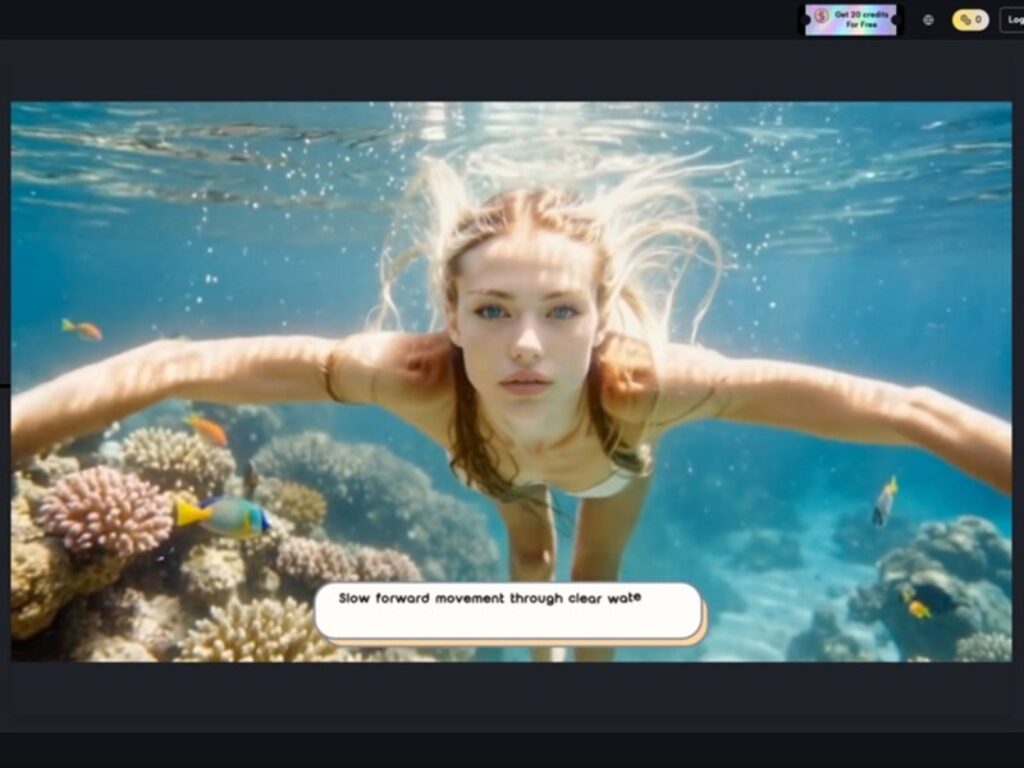
Banana Pro AI positions itself around two core capabilities: generating images from text prompts, and converting existing images into new ones. Both are worth understanding separately, because beginners often conflate them.
Text-to-image is the more intuitive entry point. You describe something, and the tool interprets it visually. The challenge — and this is consistent across AI image tools generally, not specific to any one platform — is that the gap between what you wrote and what you meant can be surprisingly wide. Prompting is its own skill. It takes iteration. What tends to happen is that users spend more time refining their descriptions than they expected, and the first few outputs function more as rough drafts than finished assets.
Image-to-image conversion is a different kind of workflow. You’re bringing something existing into the process — a sketch, a photo, a rough visual — and asking the tool to transform or reinterpret it. This is often where the tool becomes more practically useful for people who already have some visual starting point but want to explore variations quickly. It’s less about generating from nothing and more about accelerating a process that already has direction.
Both modes have genuine utility. Neither eliminates the need for judgment about what you actually want.
The Part That Usually Takes Longer Than Expected
Here’s something that doesn’t get discussed enough in most AI tool coverage: curation takes time.
When generation is fast, the bottleneck shifts. You’re no longer waiting for the image — you’re deciding which of several outputs is closest to usable, what to adjust, whether to try again with a different prompt, or whether the result is good enough for the context it’s going into.
For someone building social visuals or concept drafts, this can still be a net time gain. Generating ten variations in a few minutes and picking one is often faster than building something from scratch. But for someone who expected to type a sentence and immediately have a production-ready asset, the reality is more editorial than automated.
What people often notice after a few tries is that their prompts get longer and more specific. They start adding qualifiers — style references, mood descriptors, compositional notes. That’s not a sign that the tool is failing. It’s a sign that the user is learning how to communicate with it. That learning curve is normal, and it’s also where the tool starts becoming genuinely useful rather than just impressive.
What Can’t Be Concluded From Limited Information
This is worth stating plainly: the available description of Banana Pro AI is brief. It identifies the tool as a free AI image generator that supports text-to-image and image-to-image workflows. That’s the factual scope.
What that description doesn’t tell us — and what I won’t speculate about — includes things like output resolution, generation speed under different conditions, how the tool handles complex compositional prompts, what style range it covers, or how it compares technically to other tools in the same category.
For a beginner evaluating whether to try it, those gaps don’t necessarily matter at the entry point. The relevant questions at that stage are simpler: Does it work without friction to get started? Does it produce something usable quickly enough to be worth experimenting with? Can I test it without a financial commitment?
The “free” positioning answers the last question directly. That matters more than most people acknowledge. Low-stakes entry points are genuinely valuable for learning, because they let you experiment without the pressure of justifying a subscription before you understand what you’re doing.


Where Human Judgment Still Carries the Weight
The decision about whether a tool like this fits your workflow is less about the tool itself and more about what you’re trying to produce, how often, and for what audience.
A small business owner making promotional graphics for social media has different needs than a designer testing concept directions for a client. A solo creator building a content library thinks about volume and consistency differently than someone who needs one strong image for a specific campaign.
AI image tools — including whatever Banana Pro AI delivers in practice — tend to perform best when the user has a clear enough sense of what they want to recognize a good result when they see one. That sounds obvious, but it’s actually a meaningful prerequisite. Without it, the workflow becomes a loop of generating and discarding without a clear exit condition.
The AI image editor framing that often gets applied to these tools can create a slight misunderstanding. “Editor” implies refinement of something specific. “Generator” implies creation from description. The distinction matters for setting realistic expectations about what kind of control you’ll have and where you’ll need to compensate with your own judgment.
A Realistic Starting Point
If you’re approaching Nano Banana — or any similar tool — for the first time, the most useful mindset isn’t “will this replace what I currently do?” It’s closer to “what does this make faster to try?”
Concept exploration. Quick visual drafts. Low-stakes experimentation with styles or formats you haven’t committed to yet. Those are the use cases where the speed advantage is real and the quality threshold is achievable.
The more demanding the output requirement, the more skill the workflow requires — on the prompting side, the curation side, and the judgment side. That’s not a limitation unique to any one platform. It’s the honest shape of what AI image generation currently is.
Start with something you don’t need to be perfect. See what the tool does with a loose description. Then try to make it do something specific. The distance between those two experiences will tell you more about whether it fits your work than any feature list could.